Crop Images in Heart Shape Online — Free
Give your photos a romantic touch with heart-shaped cropping. Perfect for Valentine's cards, anniversary gifts, and creative social media content.
Start Cropping →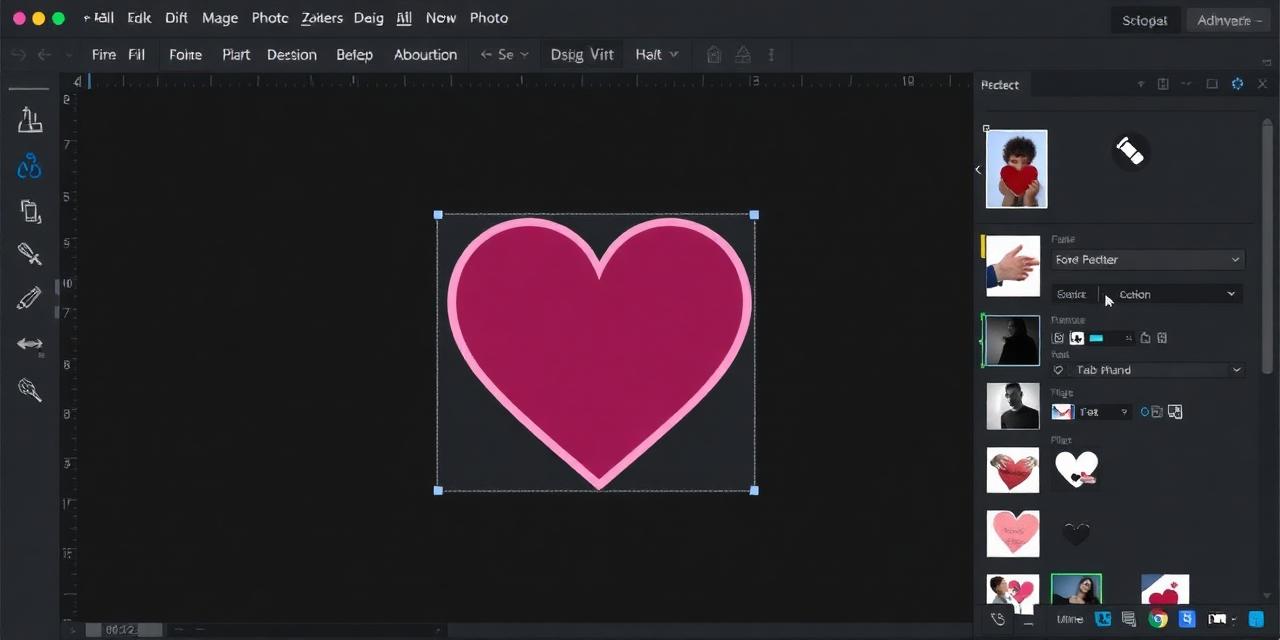
Give your photos a romantic touch with heart-shaped cropping. Perfect for Valentine's cards, anniversary gifts, and creative social media content.
Start Cropping →
Upload your photo, position it inside the heart outline, and download. All processing happens in your browser.
or click to browse files
Choose Image↕ Drag the image to reposition it
Upload your photo by clicking the upload button or dropping the image file onto the cropping area.
Zoom in or out and reposition the image so your subject fits perfectly within the heart outline.
Hit download to save your heart-shaped image as a PNG with a transparent background.
Create heart-shaped photos for wedding invitations, Valentine's Day cards, and anniversary gifts effortlessly.
Skip Photoshop or expensive editors. Crop images into hearts directly in your browser with zero installation.
The heart-cropped image exports with transparency, making it easy to layer over any background or design.
Create eye-catching heart-shaped images for Instagram stories, Facebook posts, and Pinterest pins.
Designed for mobile use with touch-based dragging and responsive controls for on-the-go editing.
All image processing happens in your browser. Your personal photos are never sent to external servers.